
Capture in seconds.
Post-It notes are for fast entry and immediate placement, which is useful when speed matters more than polish.
Post-It notes in Note Canvas are for fast capture and short-lived visibility. They stay visually lightweight, easy to place, and hard to miss, which makes them ideal for reminders, prompts, and quick fragments that do not need the overhead of a titled note card.
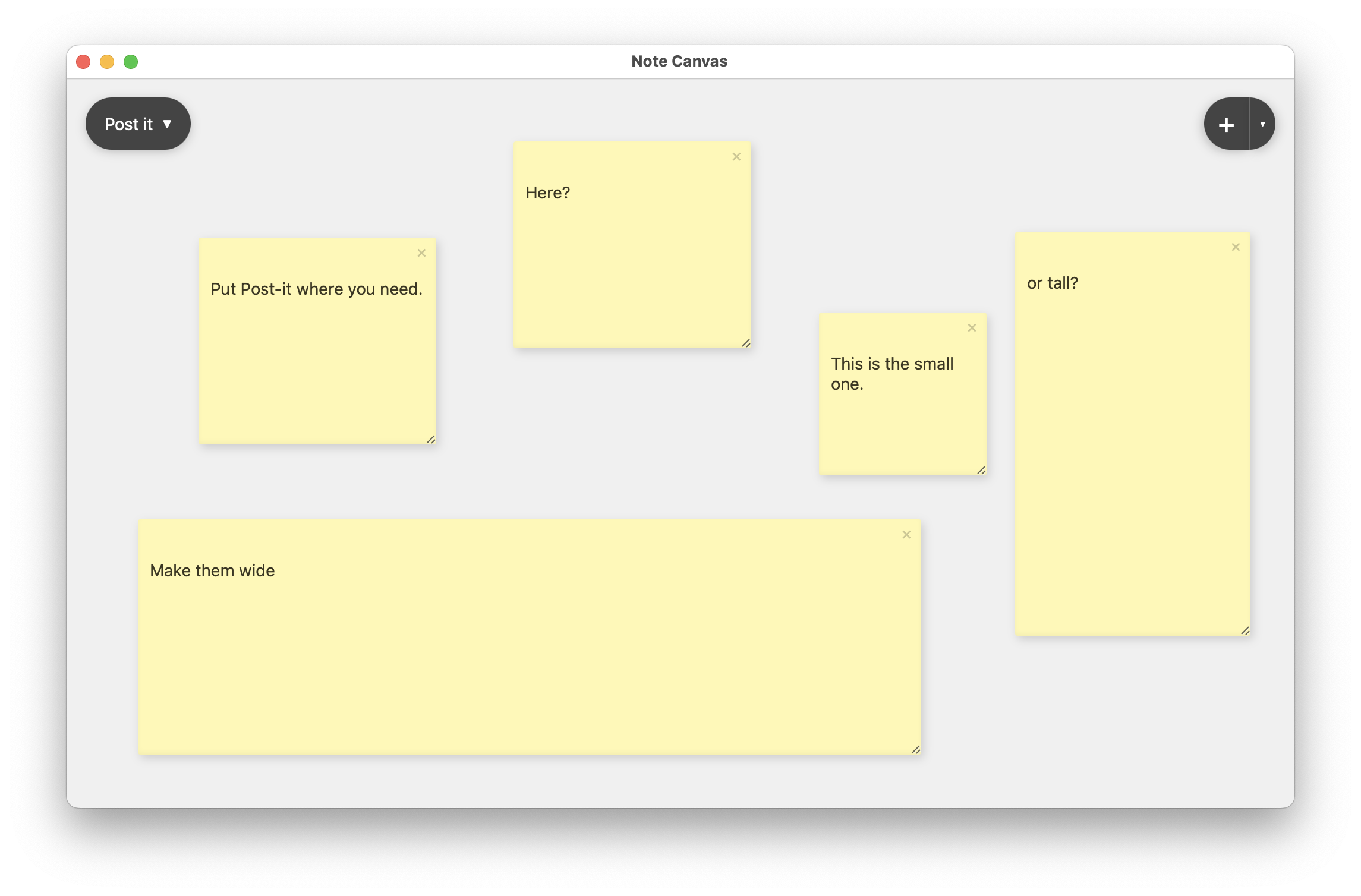
Post-It notes stay intentionally simple. They can be small, wide, or tall, which makes them useful for both tiny reminders and short callouts that need more room.
Use Post-It notes for deadlines, nudges, temporary prompts, and anything you want to keep highly visible.
No heavy chrome, no extra title bar, just a sticky-looking note that fits the job immediately.
Use Post-It notes for urgency, then keep the deeper explanation or task breakdown nearby in another note type.
Post-It notes are not trying to become full documents. They exist to reduce friction so the board can keep lightweight thoughts visible without over-structuring them.
Post-It notes are for fast entry and immediate placement, which is useful when speed matters more than polish.
The sticky-note look reads clearly from a distance, so reminders keep standing out even when the board fills up.
Make a Post-It note tiny for a quick prompt or wide for something you want to dominate part of the workspace.
They work best for short, attention-grabbing notes that should stay easy to scan and easy to move.
Keep the one thing you must not forget visible while working in the rest of the workspace.
Use Post-It notes for questions, blockers, or lightweight cues that may only matter for a few hours or days.
Create a visible callout near a cluster of notes so the board tells you what deserves attention first.
A workspace made only of large notes becomes heavy. Post-It notes add the quick, fragmentary layer that makes a board feel alive and useful for everyday thinking instead of just storage.
Full notes are better for durable text. Post-It notes are better for the small things that should stay visible now but do not need titles, markdown, or heavier editing controls.
These note types add more structure when a sticky reminder is not enough.
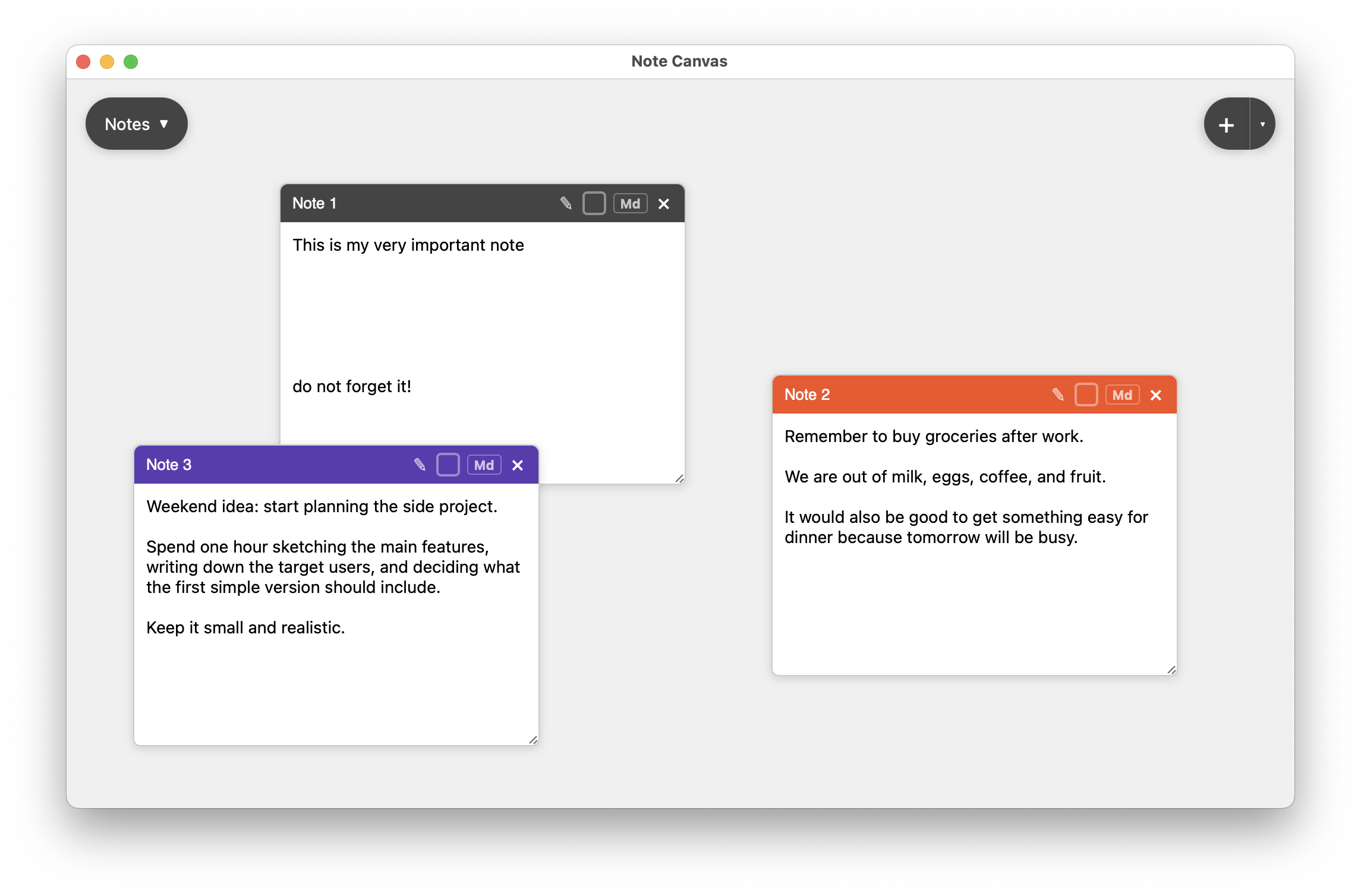
Use regular notes when the thought grows beyond a short prompt and needs real writing space.
Compare with regular notes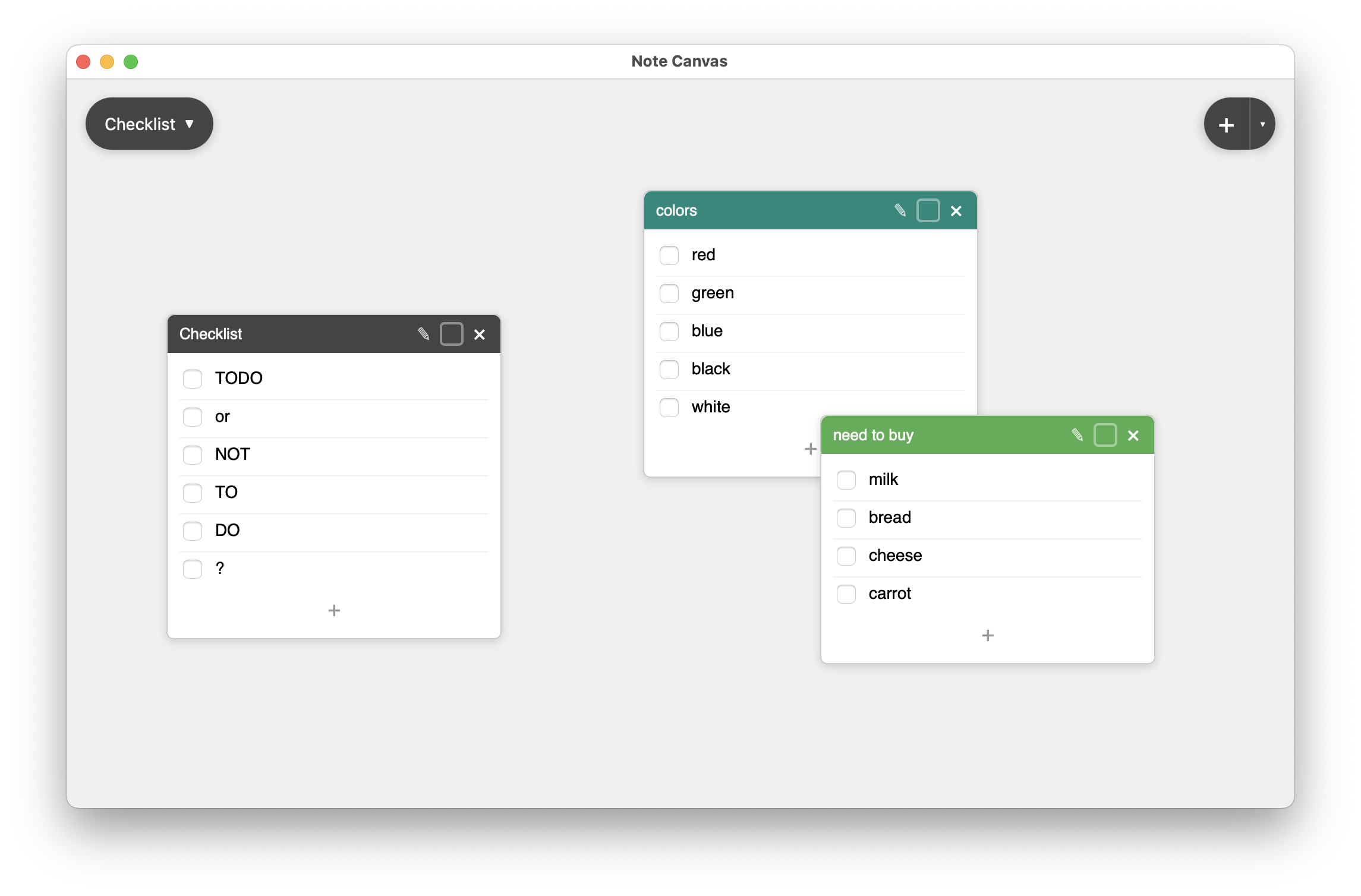
Checklist notes are better when the reminder actually represents multiple steps or repeated tasks.
Compare with checklist notes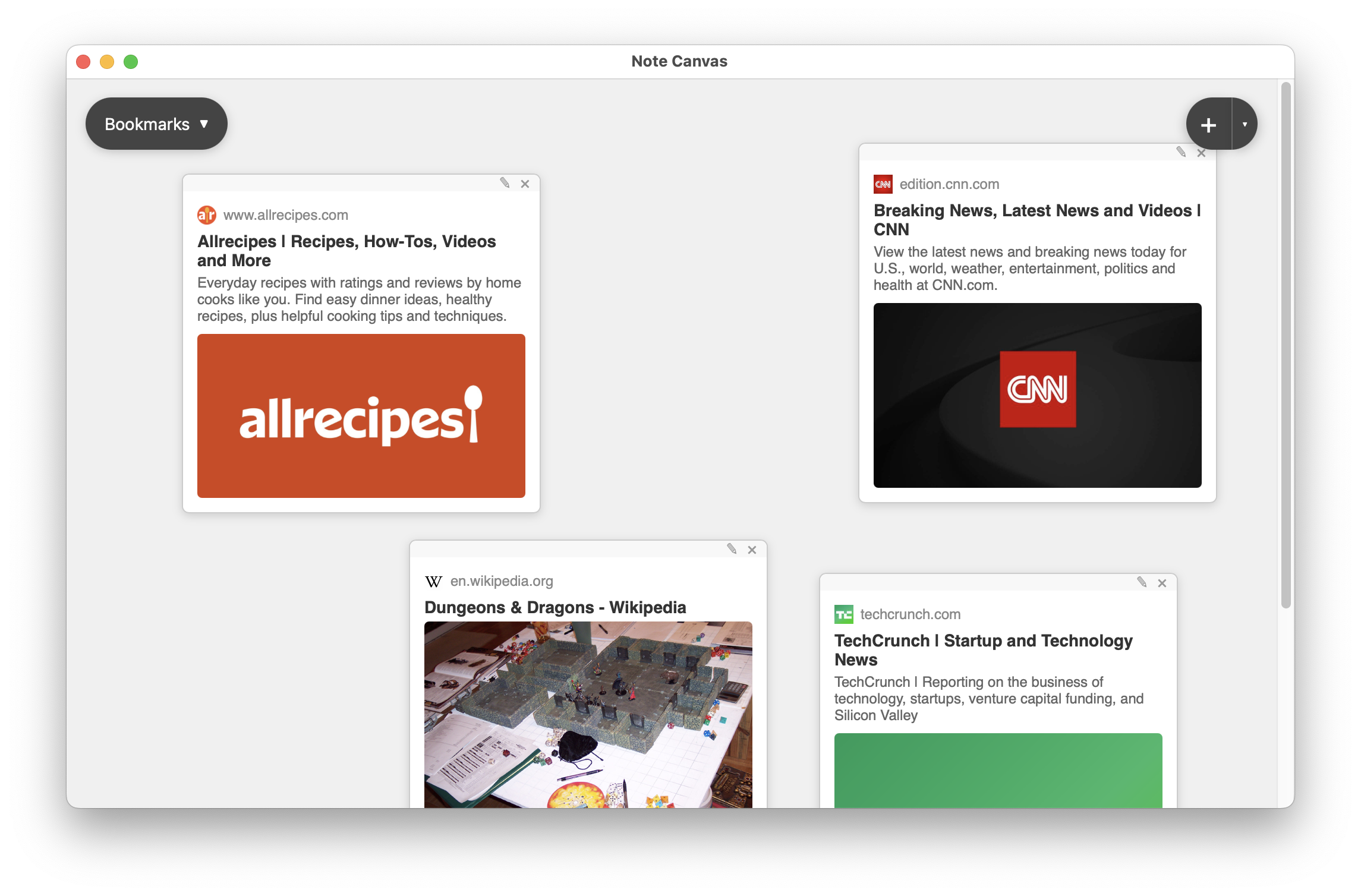
Use bookmark notes when the reminder points to a URL you want to reopen, not just text you want to remember.
Compare with bookmark notesPost-It notes are the fastest path from “remember this” to “it is now on the board.”