Write past reminder length.
Regular notes are built for multi-paragraph text, not just quick prompts, so they can hold actual working material.
Use regular notes when a thought needs space: planning, writing, research synthesis, meeting capture, or markdown snippets you want to revisit later. They keep title, color, size, and markdown preview without forcing you into a document-first layout.
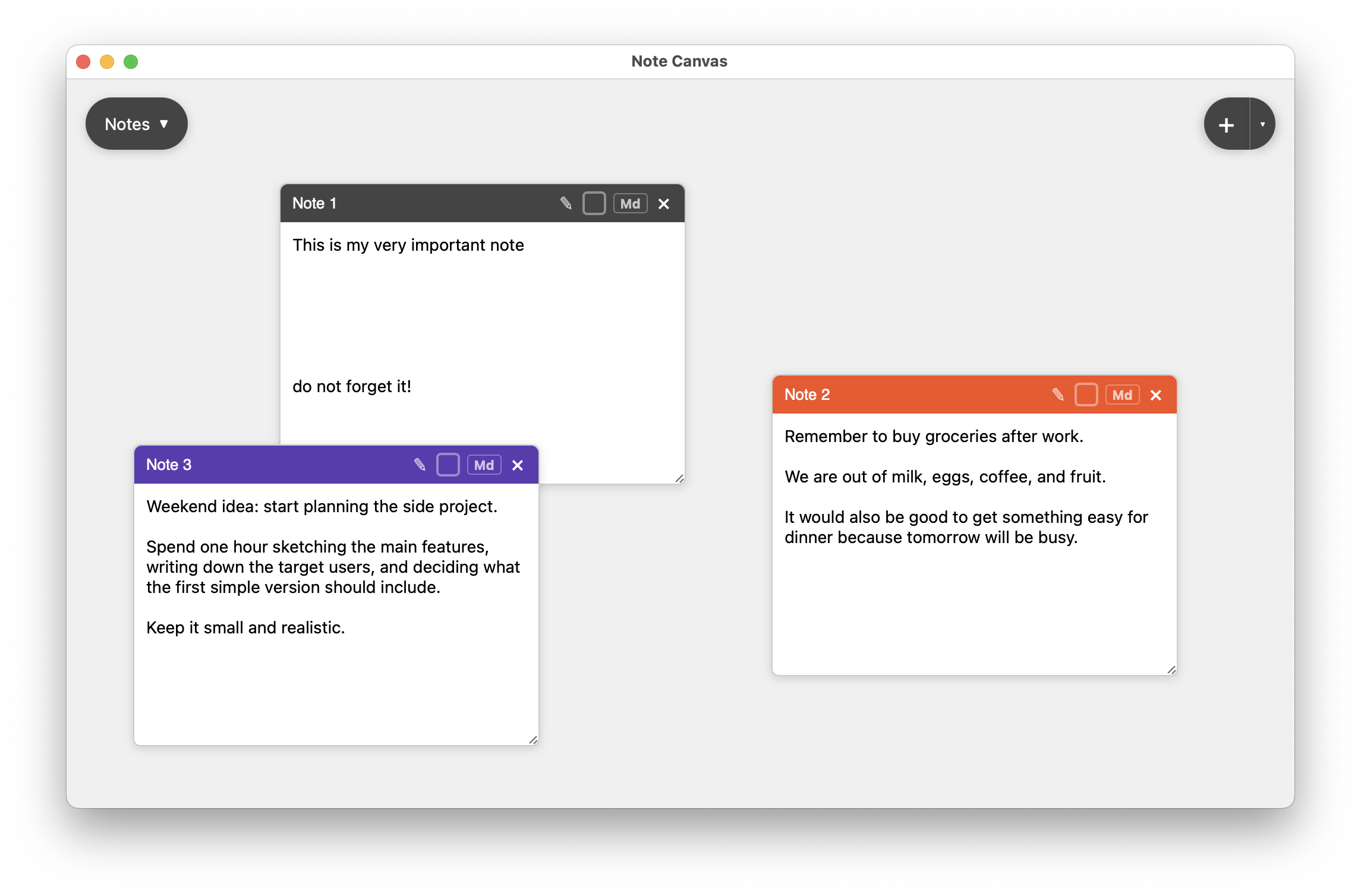
Regular notes are the main writing surface in Note Canvas: a full note card with a title bar, color, resize handle, and markdown toggle for more structured text.
Project notes, rough drafts, working documents, and markdown-heavy thoughts.
Rename the note, change its color, resize the text area, and keep it anchored where it helps.
Keep references beside the writing and actions beside the plan they belong to.
Regular notes carry the most writing weight on the board. They work when a sticky note is too small and a separate document would hide too much context.
Regular notes are built for multi-paragraph text, not just quick prompts, so they can hold actual working material.
Keep rough notes editable, then switch to a cleaner rendered view when the text needs to become easier to scan.
Titles, colors, and sizing give long-form notes enough structure to coexist with faster note types on the same canvas.
They fit the middle ground between a sticky reminder and a full external document. That makes them useful for daily planning and deeper project work.
Keep goals, scope, next ideas, and open questions visible while you move related notes around them.
Write live notes, decisions, and follow-up context without burying them in a linear notebook.
Summarize what matters, then place bookmark notes and images around the text that interprets them.
Many boards end up organized around one or two substantial notes. Those larger notes hold the reasoning, while Post-It notes, checklists, screenshots, or bookmarks orbit around them as supporting context.
A document editor is better for polished writing. Regular notes are better when the text still needs to live beside reminders, links, diagrams, and images that shape the thinking around it.
Regular notes handle the heavier writing. These other types reduce friction around them.
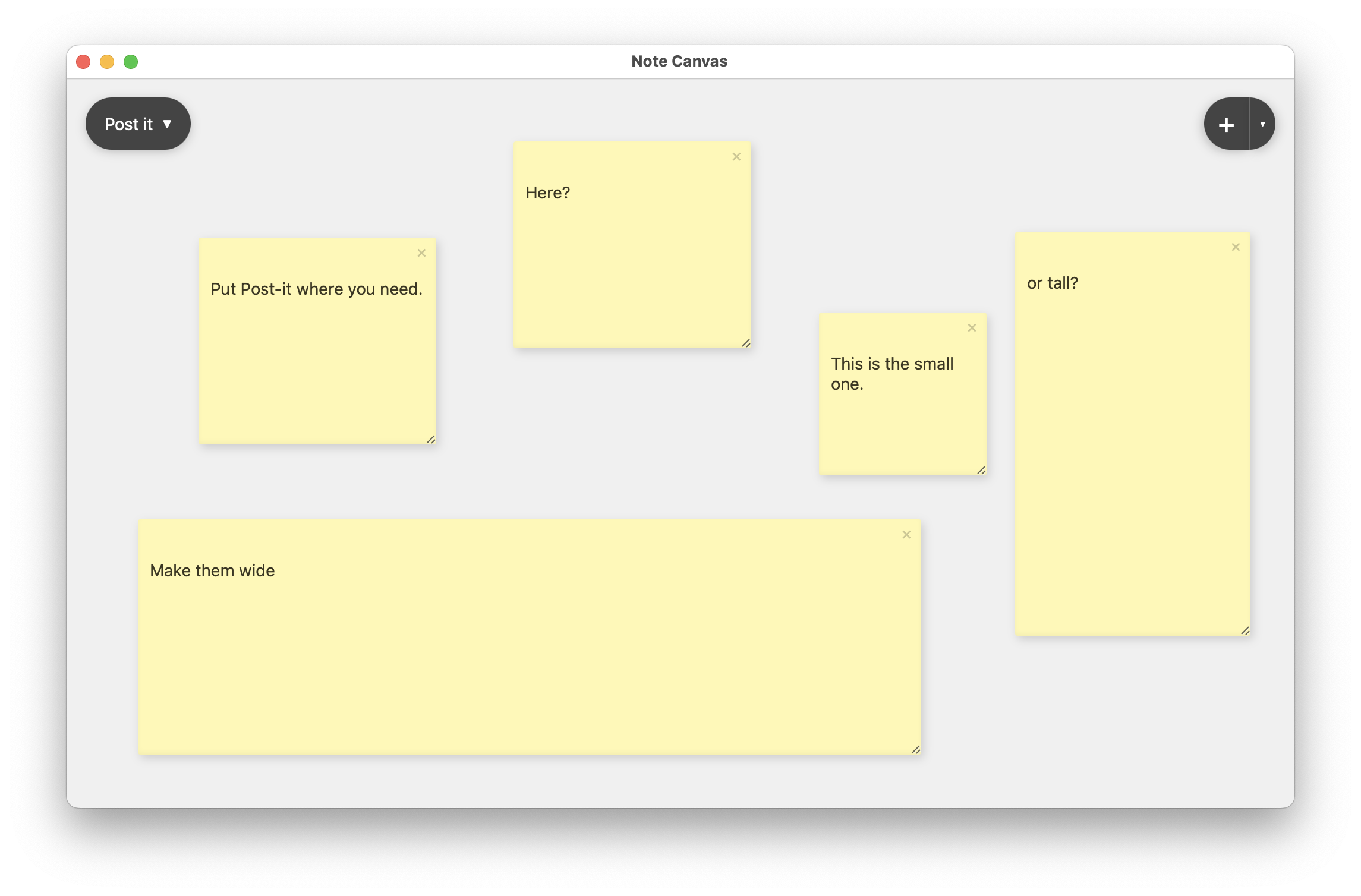
When the message should stay loud and small, Post-It notes are a better fit than full note cards.
Compare with Post-It notes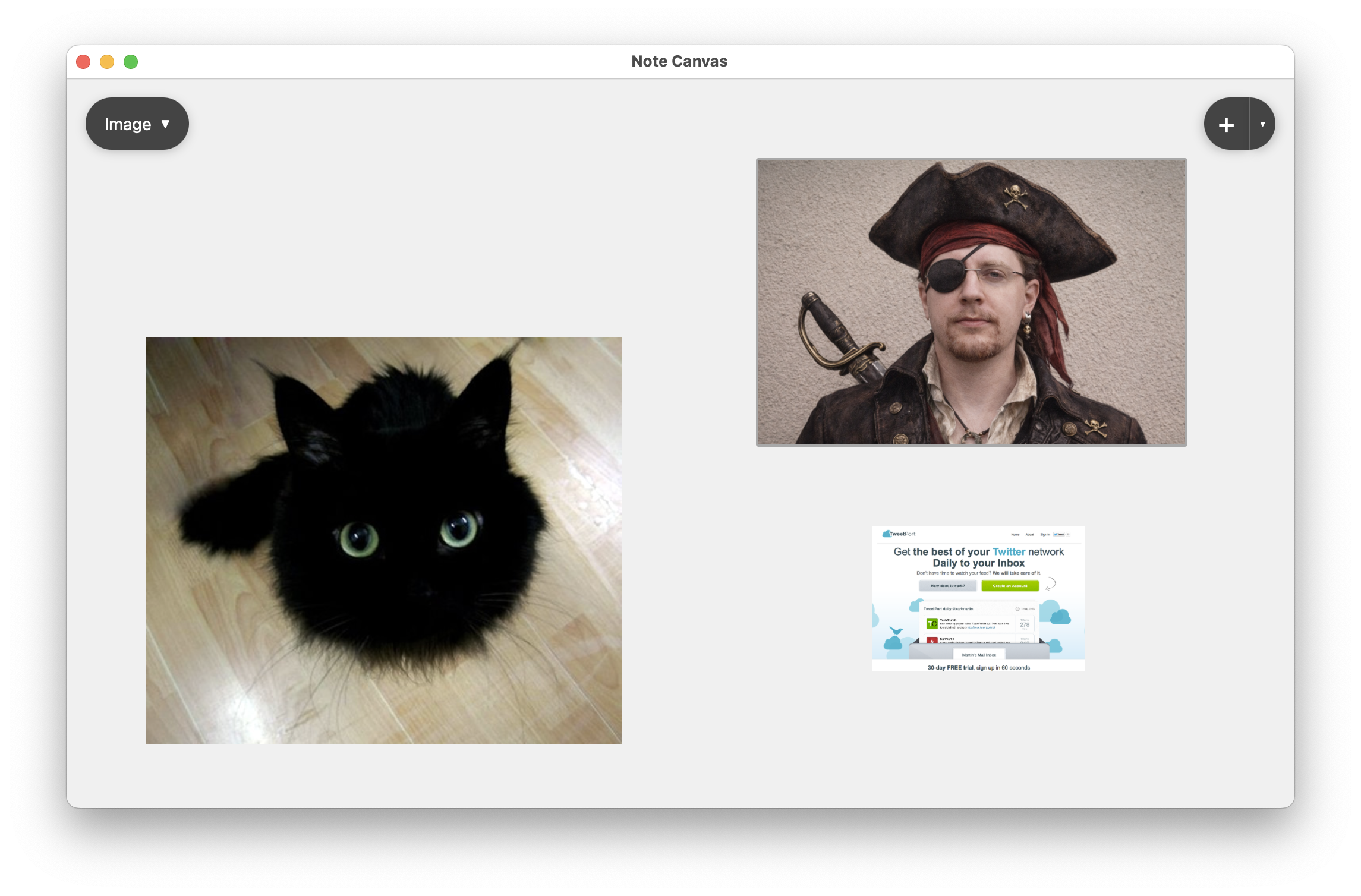
Use image notes when the board needs screenshots, photos, or inspiration material beside text.
Compare with image notes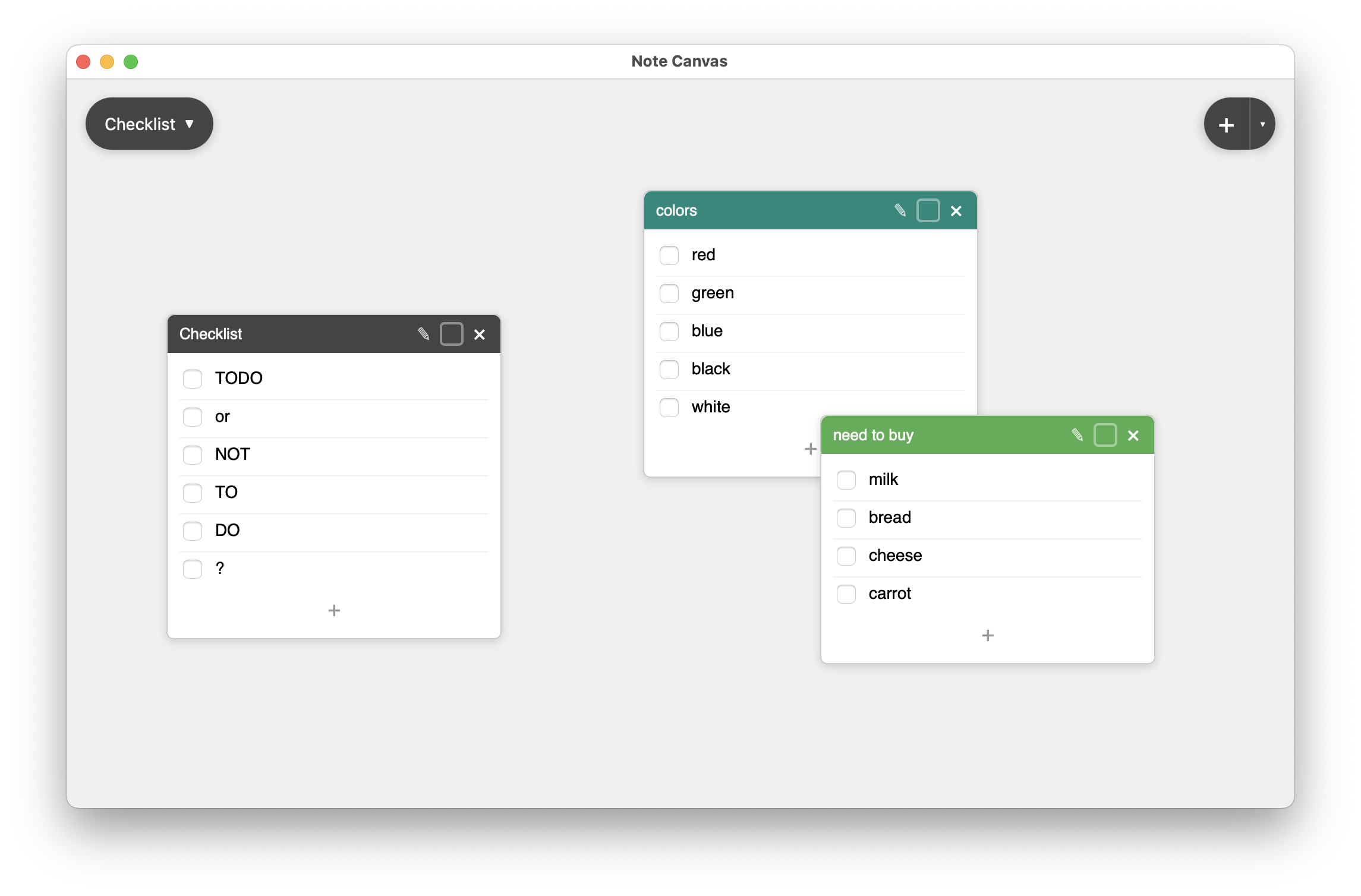
Checklist notes pair naturally with a regular note that explains the project those tasks belong to.
Compare with checklist notesRegular notes are for thoughts that need structure but still belong on a live, movable canvas.