Break work into visible steps.
Use multiple checklist cards for different streams of work so progress stays distributed across the board.
Use checklist notes when a board needs visible progress, not just ideas. They turn task groups into movable cards, so shopping lists, launch steps, packing lists, and short action sequences can stay beside the notes, images, and links that created them in the first place.
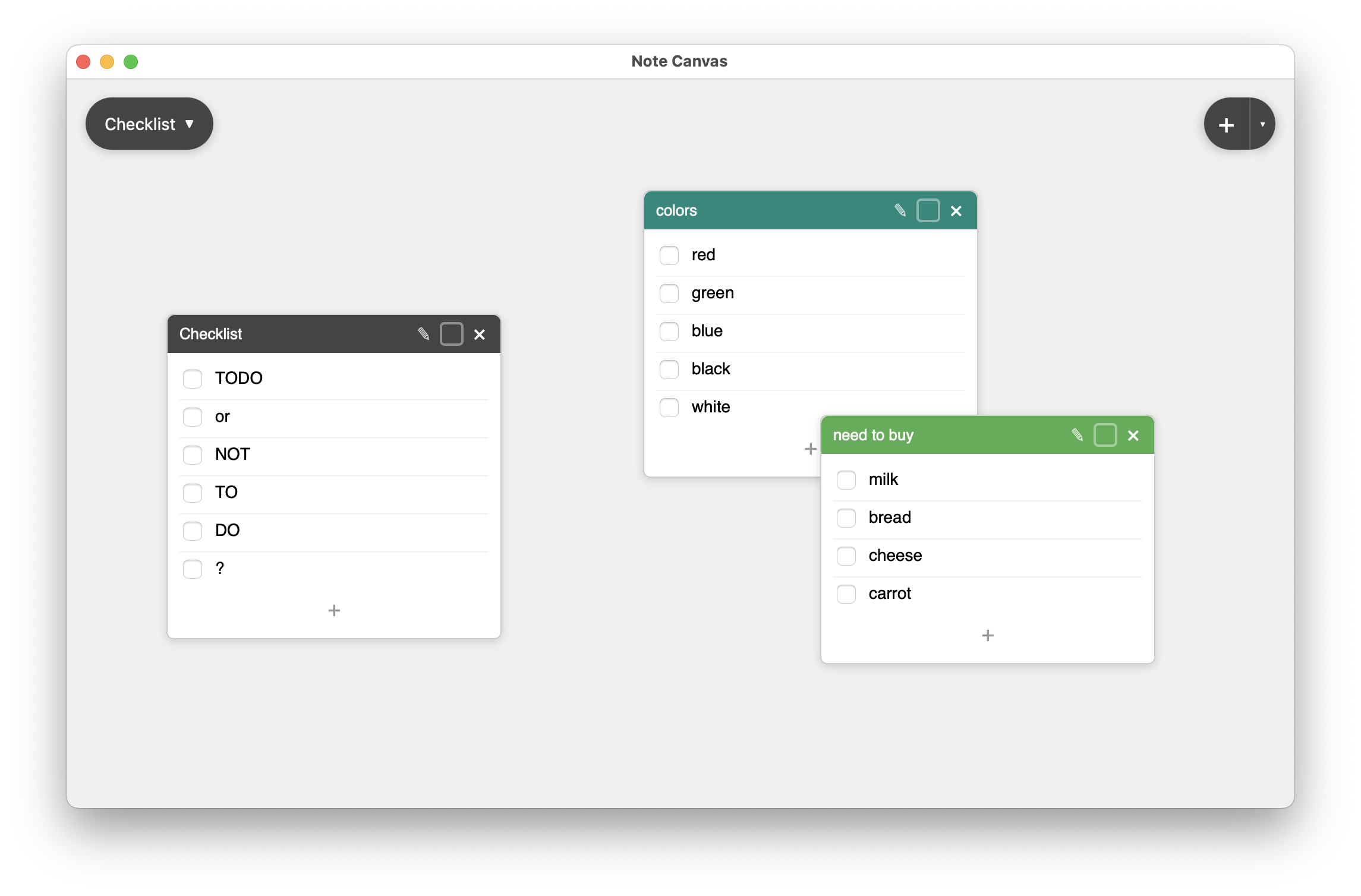
Checklist notes make the board operational. Instead of moving tasks to another app, you keep them where the work is.
Use checklist notes for errands, prep work, repeatable routines, and project follow-through.
Each checklist is a card you can title, color, move, and expand with new items as the plan evolves.
Keep the plan in a regular note and the source material in bookmark notes while the checklist handles execution.
Ideas are useful, but many boards eventually need execution. Checklist notes add that layer without forcing you to leave the canvas or flatten the project into a separate task manager.
Use multiple checklist cards for different streams of work so progress stays distributed across the board.
A checklist beside the relevant note or bookmark is easier to trust than tasks buried in another application.
Checklist headers can signal category, priority, or owner without adding more structural overhead.
They are especially strong for small operational lists that benefit from proximity to planning context.
Keep practical lists easy to scan and easy to update while other notes on the board hold context or constraints.
Turn a plan into a visible sequence of checks so follow-through stays in the same place as strategy.
Create small repeatable checklists for recurring tasks that do not justify a full external system.
The real advantage is not the checkbox itself. It is that the checkbox lives beside the reasoning, reference, and reminders that led to the task in the first place.
Dedicated task managers are useful for larger systems. Checklist notes are useful when action is still tightly coupled to a specific board and should remain visible in the same visual field.
These note types provide the context, reminders, and source material around the task list.
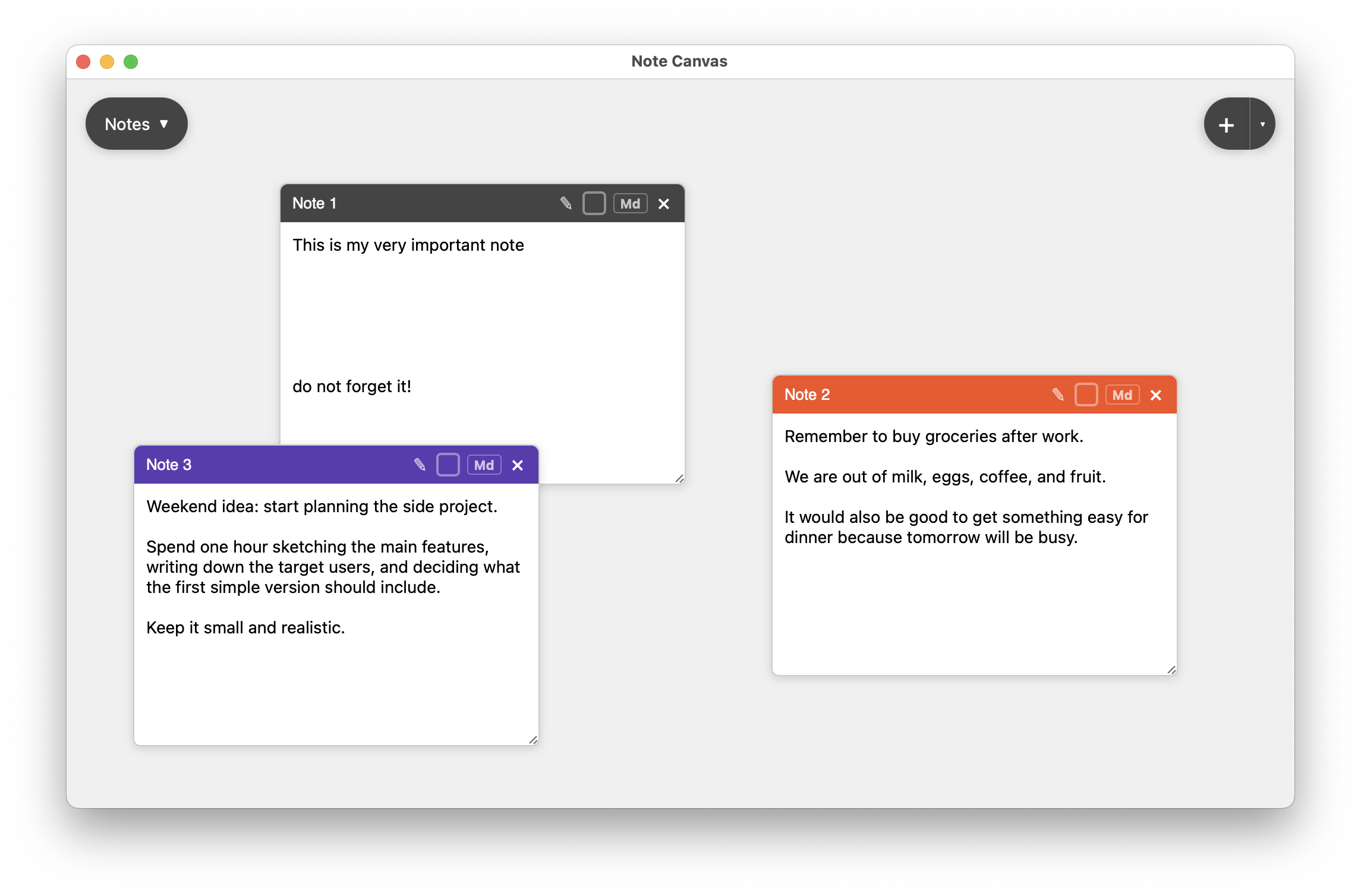
Regular notes hold the why, while checklist notes hold the done-or-not-done sequence.
Compare with regular notes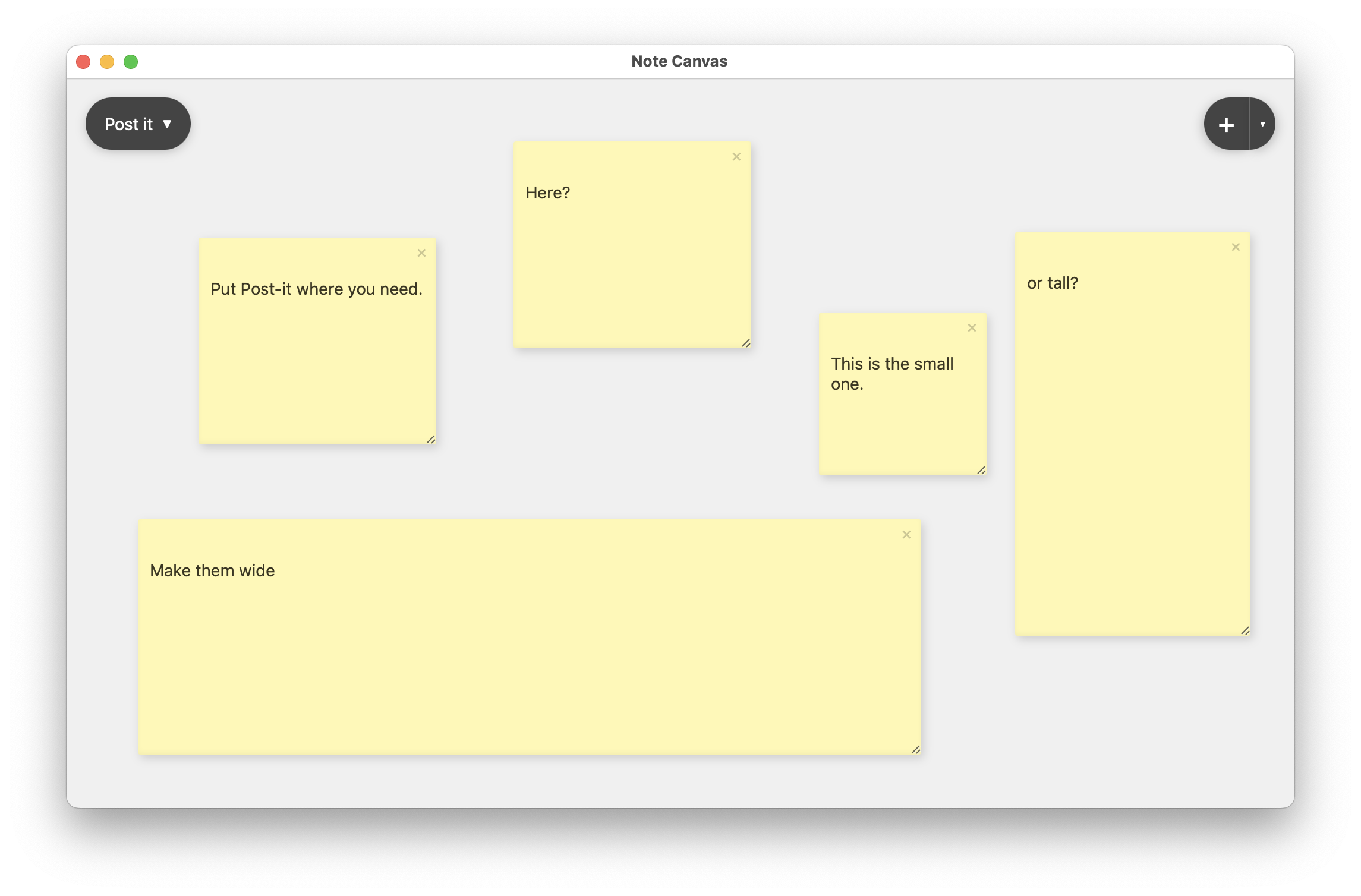
Post-It notes are useful when the checklist exists but one urgent prompt still deserves special emphasis.
Compare with Post-It notes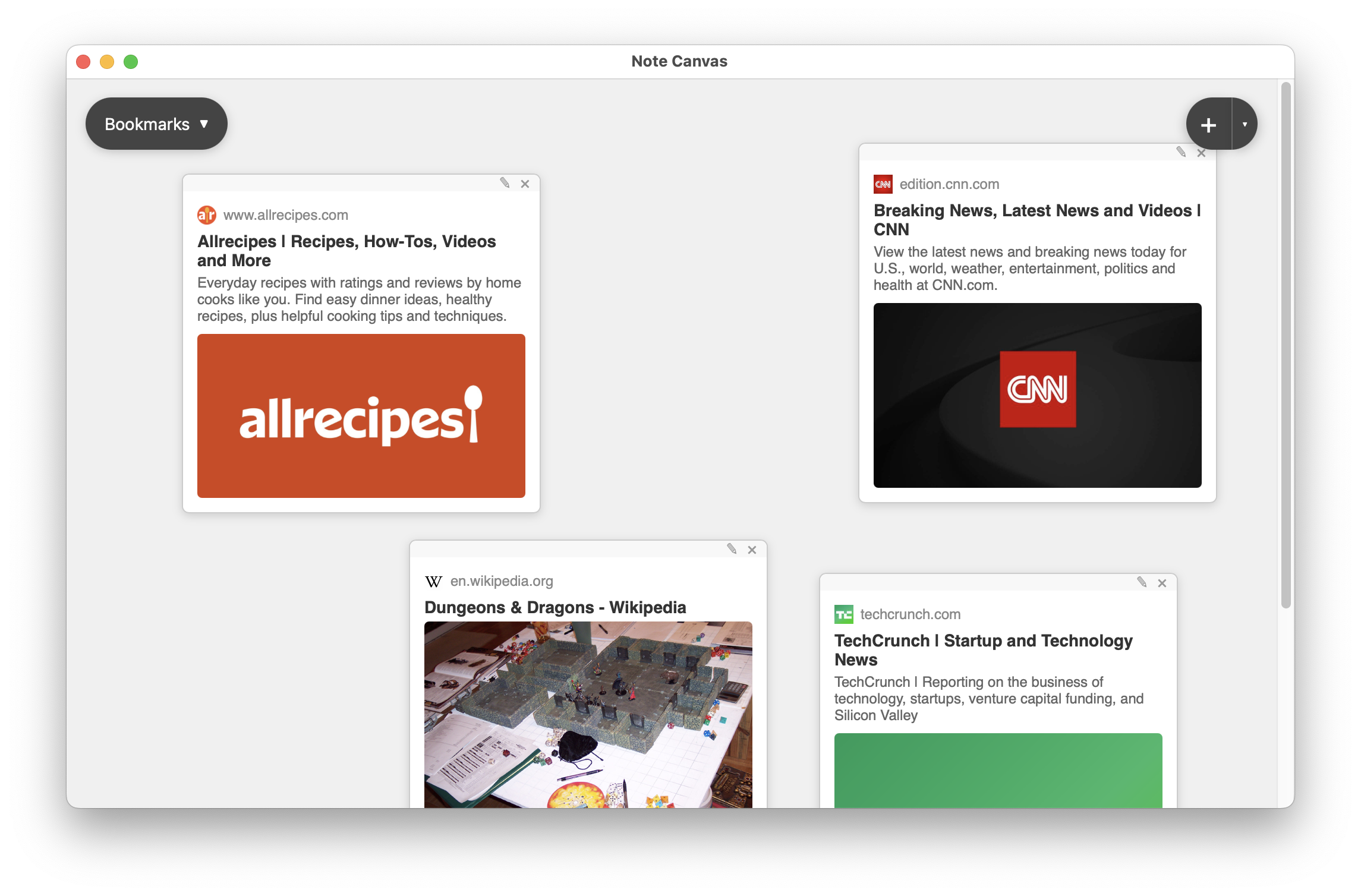
Use bookmark notes when the task list depends on articles, recipes, docs, or saved pages you will revisit.
Compare with bookmark notesChecklist notes make Note Canvas practical for the follow-through phase, not just the thinking phase.