Paste once, keep the preview.
Bookmark notes pull metadata into the board so the saved source stays informative without extra effort.
Bookmark notes turn a pasted URL into a visual preview card with title, domain, and available page metadata. That makes saved links readable on the board instead of disappearing into a plain list that you will not revisit. They work well for research, watchlists, comparison boards, and saved references that still need context.
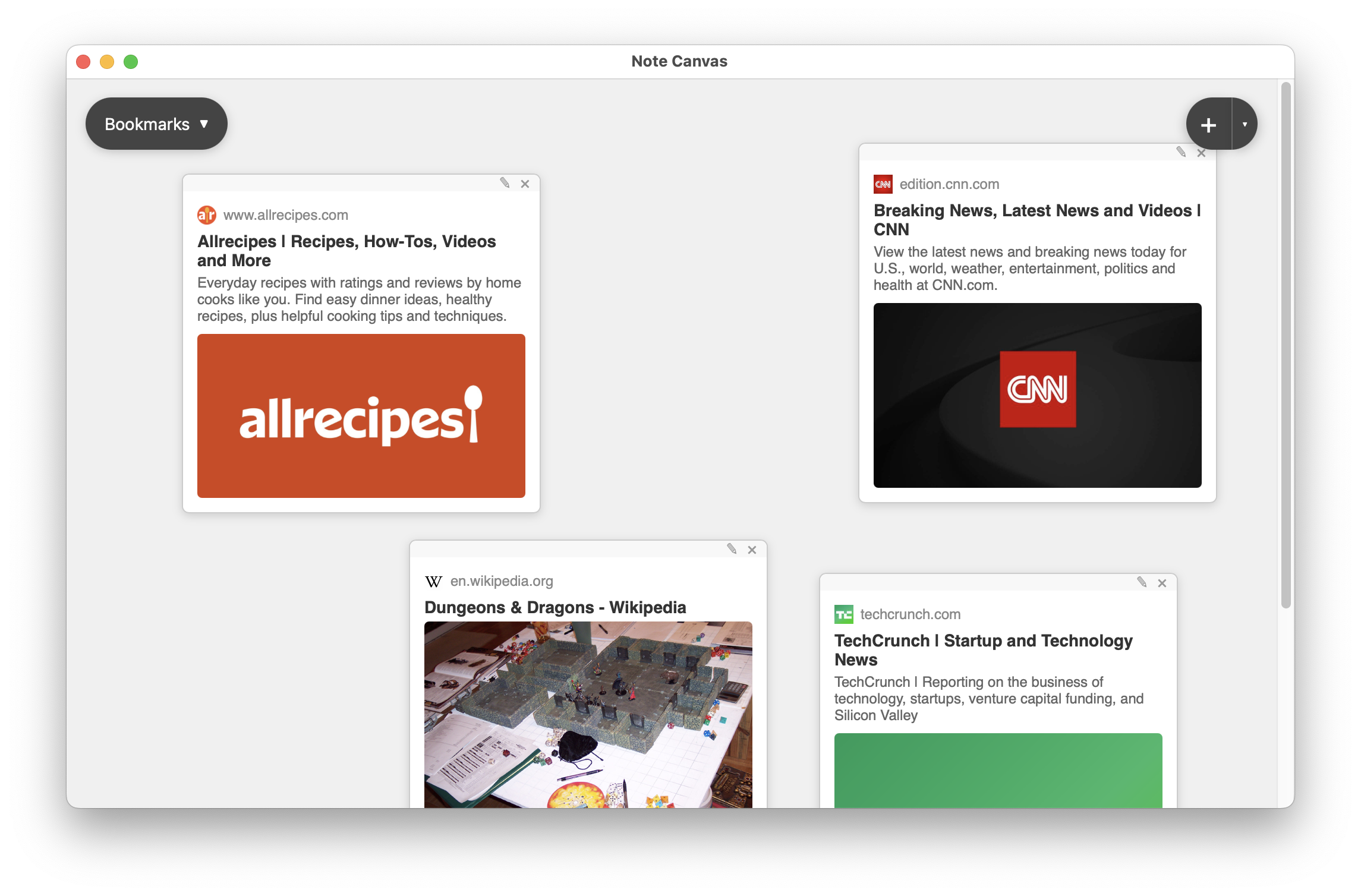
Bookmark notes turn the board into a readable link collection instead of a pile of raw URLs.
Use bookmark notes for articles, recipes, docs, product pages, news items, and comparison sources.
Bookmark notes make a URL visible and scannable without reopening the page every time.
Keep your summary nearby and place screenshots or related visuals around the saved source.
Raw links are easy to store and easy to forget. Bookmark notes improve recall because the domain, headline, preview content, and surrounding board context all stay visible.
Bookmark notes pull metadata into the board so the saved source stays informative without extra effort.
Place sources near the notes, checklists, or sketches that depend on them and keep the relationship obvious.
The bookmark stays in the board as reference, but it still behaves like a live entry point back to the page.
They are strongest in boards where saved sources are part of ongoing work instead of passive storage.
Collect articles, docs, and references while keeping your interpretation of them nearby in regular notes.
Keep a small set of items visible on the board instead of dropping them into an unreadable bookmarks menu.
Compare several saved pages side by side and surround them with notes about what stands out.
Once a URL becomes a card, it behaves more like a reusable board object than a detached browser history item. That shift makes it easier to build reference clusters that you can understand at a glance.
Browser bookmarks are good for durable storage. Bookmark notes are good for active work, where the source must live beside notes, images, and tasks that explain why the page was worth saving.
These types add source imagery, action, or sketching around the saved link.
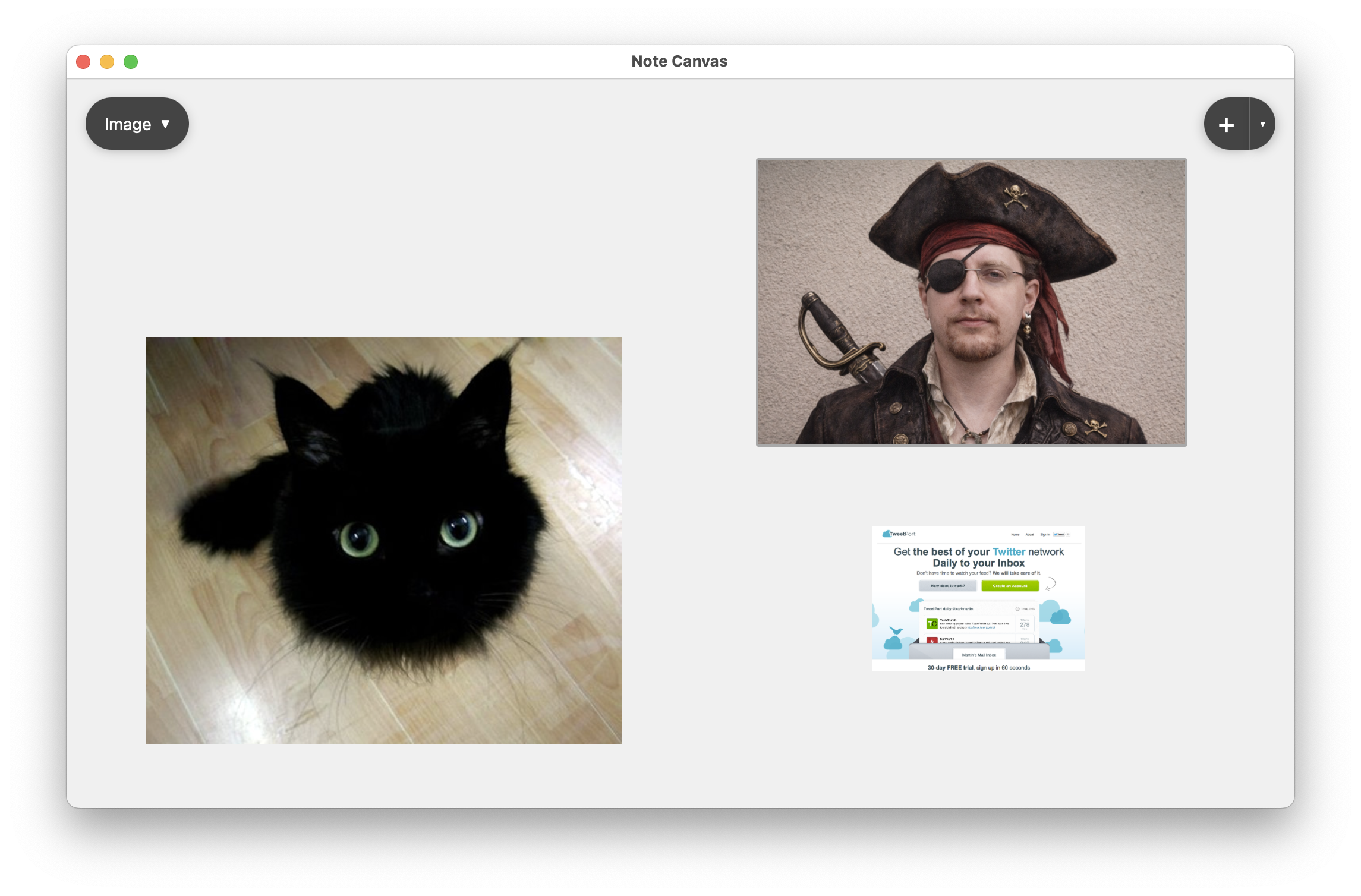
Use image notes when the most relevant part of a source is a captured visual, not just the link preview.
Compare with image notes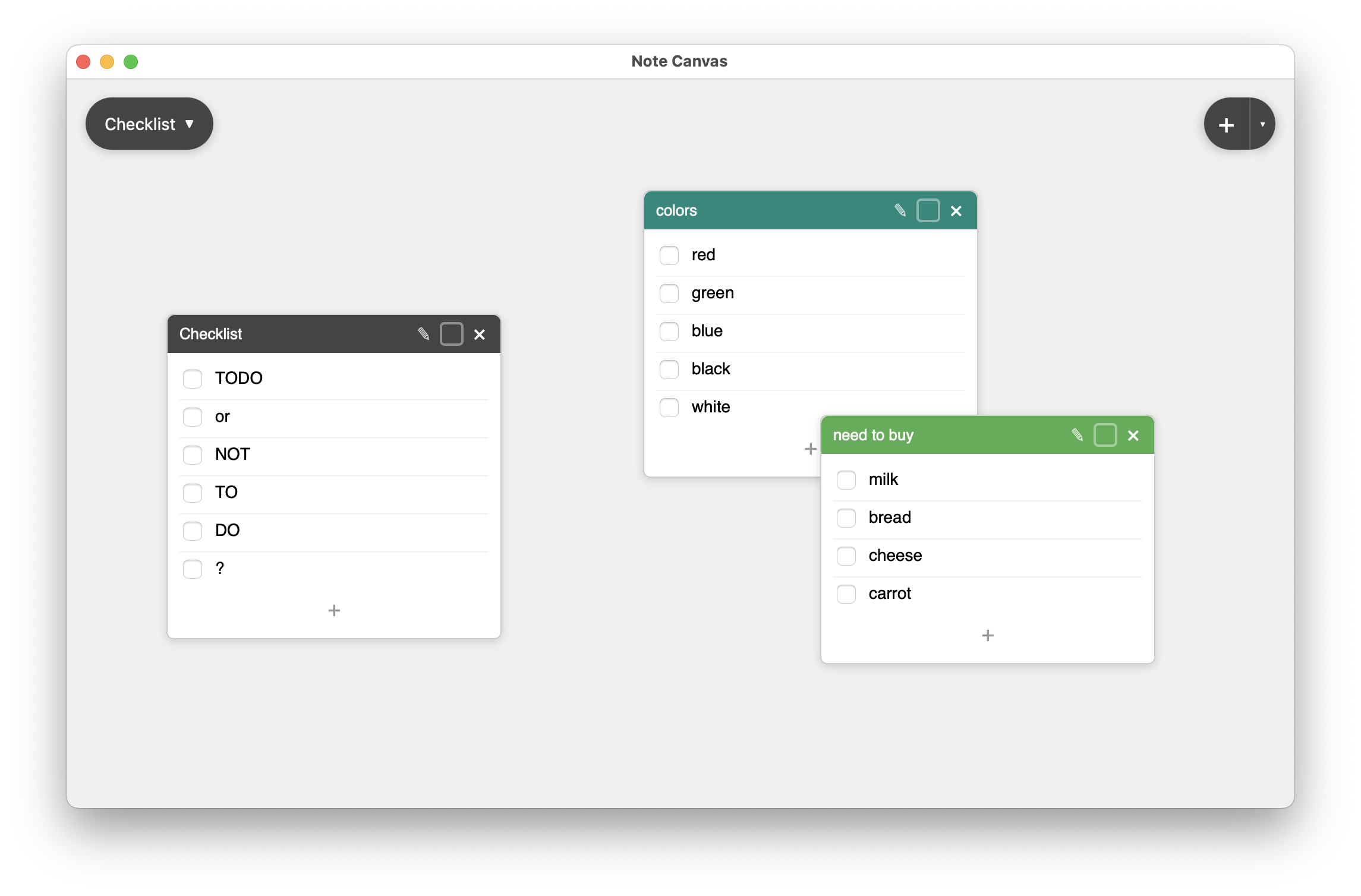
Checklist notes help when the page you saved implies concrete next actions that should stay nearby.
Compare with checklist notes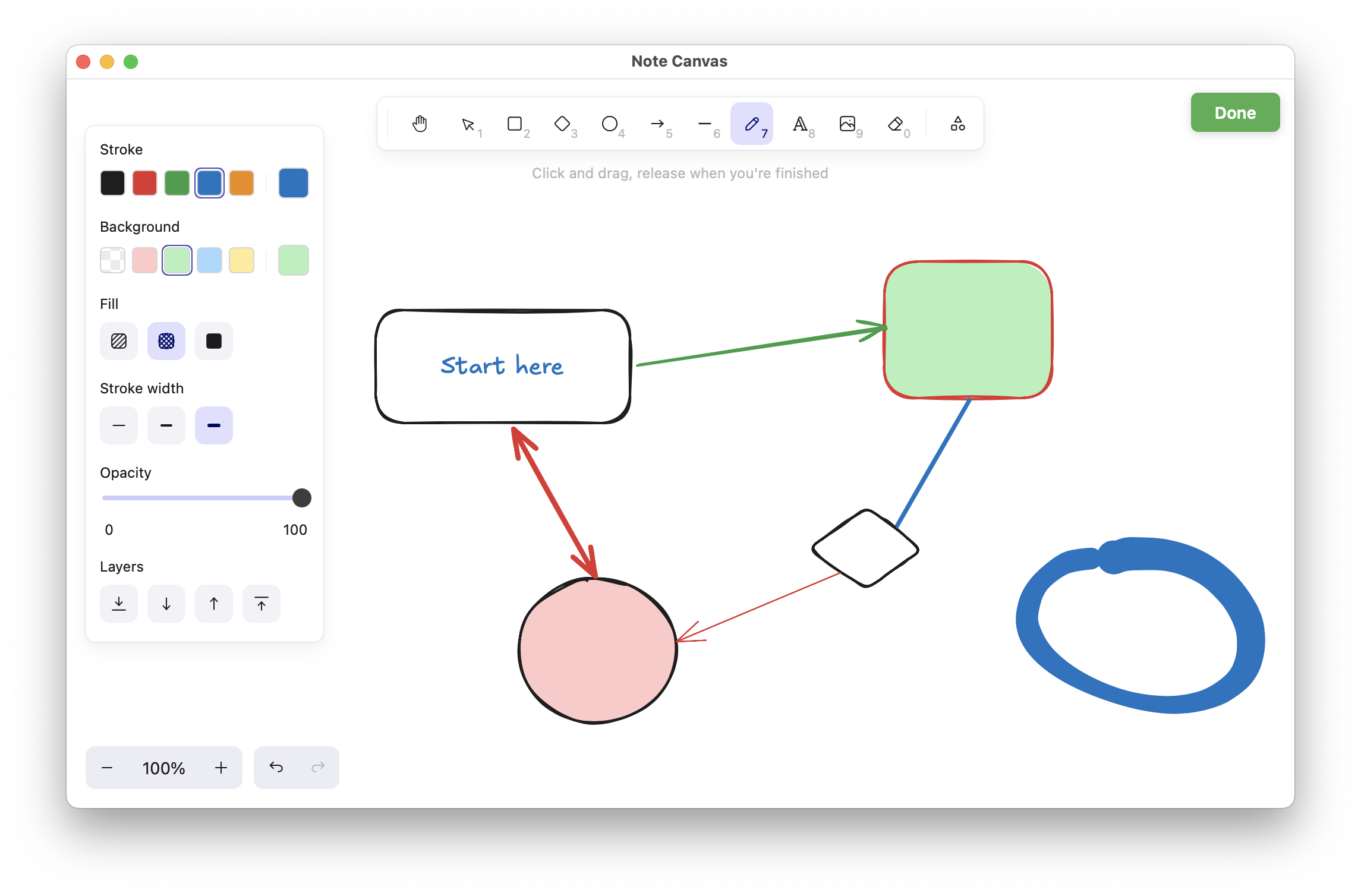
Drawing notes are useful when a saved link sparks a flow, diagram, or layout idea you want to develop visually.
Compare with drawing notesBookmark notes keep sources readable and placed inside the board that gave them meaning.