Sketch without leaving the app.
The drawing editor opens as part of the same workspace, so visual thinking stays tied to the board around it.
Use drawing notes when text is too linear and images are too static. They open a full-screen whiteboard-style editor for diagrams, flows, wireframes, quick sketches, and visual explanation, then collapse back into a thumbnail that stays on the canvas as part of the wider workspace.
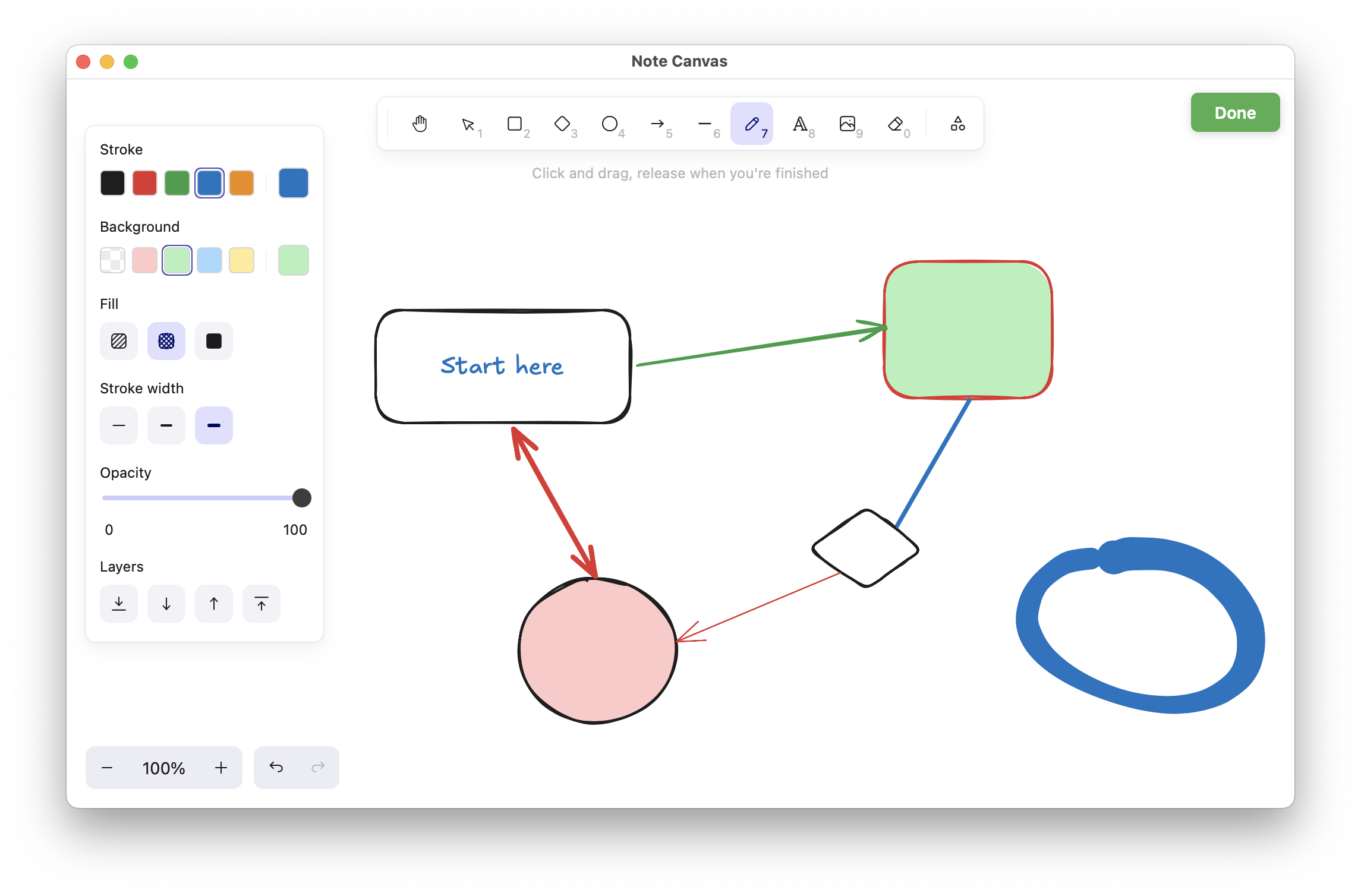
Drawing notes let you sketch the relationship between things, not just list them. That matters when structure is visual.
Use drawing notes for whiteboard thinking, architecture ideas, wireframes, and quick diagrams.
Each drawing note lives on the board as a preview, then opens into a larger drawing surface when needed.
Keep visual references nearby and use regular notes to explain the meaning of the diagram after sketching it.
Drawing notes make Note Canvas useful for the kind of thinking that usually ends up on a real whiteboard: relationships, routes, structure, motion, and rough visual planning.
The drawing editor opens as part of the same workspace, so visual thinking stays tied to the board around it.
The finished sketch remains visible as a board object, which preserves spatial memory and quick recognition.
Flows, architecture diagrams, and wireframes often become obvious faster when you can draw them instead of describing them.
They are especially useful for explaining how things connect rather than just what they are.
Map steps, handoffs, and dependencies visually instead of trying to explain the whole path in prose.
Sketch rough interface layouts, screens, and interactions without opening a separate design tool.
Use shapes and arrows when a system makes more sense as a relationship map than a written description.
A single drawing can make a dense area of the board understandable in seconds. Once saved as a thumbnail, it works like a visual headline for the surrounding notes, bookmarks, and references.
External whiteboards are useful, but they also fragment context. Drawing notes work best when the sketch is one part of a larger board that already contains reminders, sources, lists, and written explanation.
These note types provide the references and explanation that usually surround a drawing.
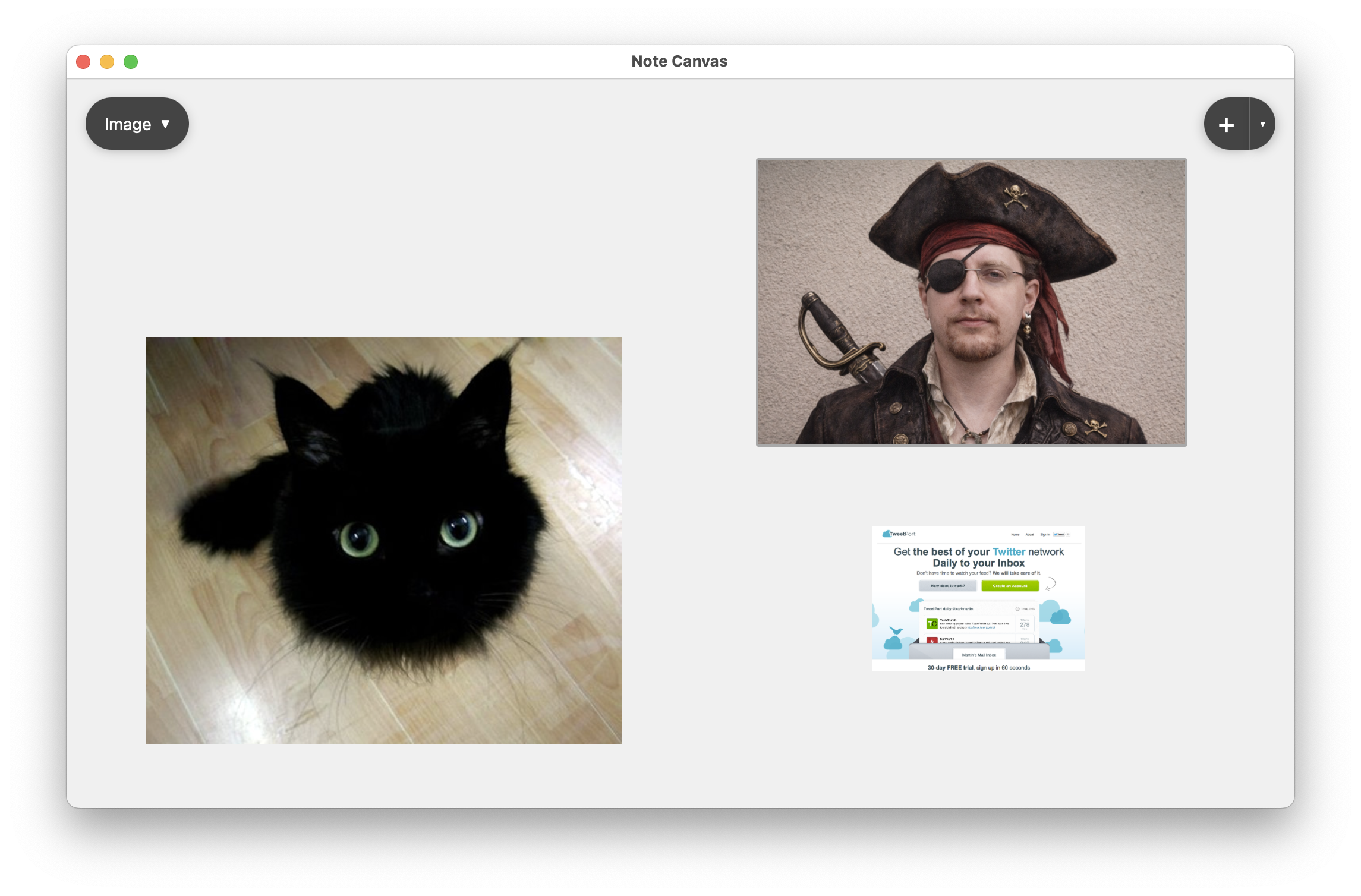
Image notes are better when you need to pin a screenshot or photo rather than draw a new interpretation.
Compare with image notes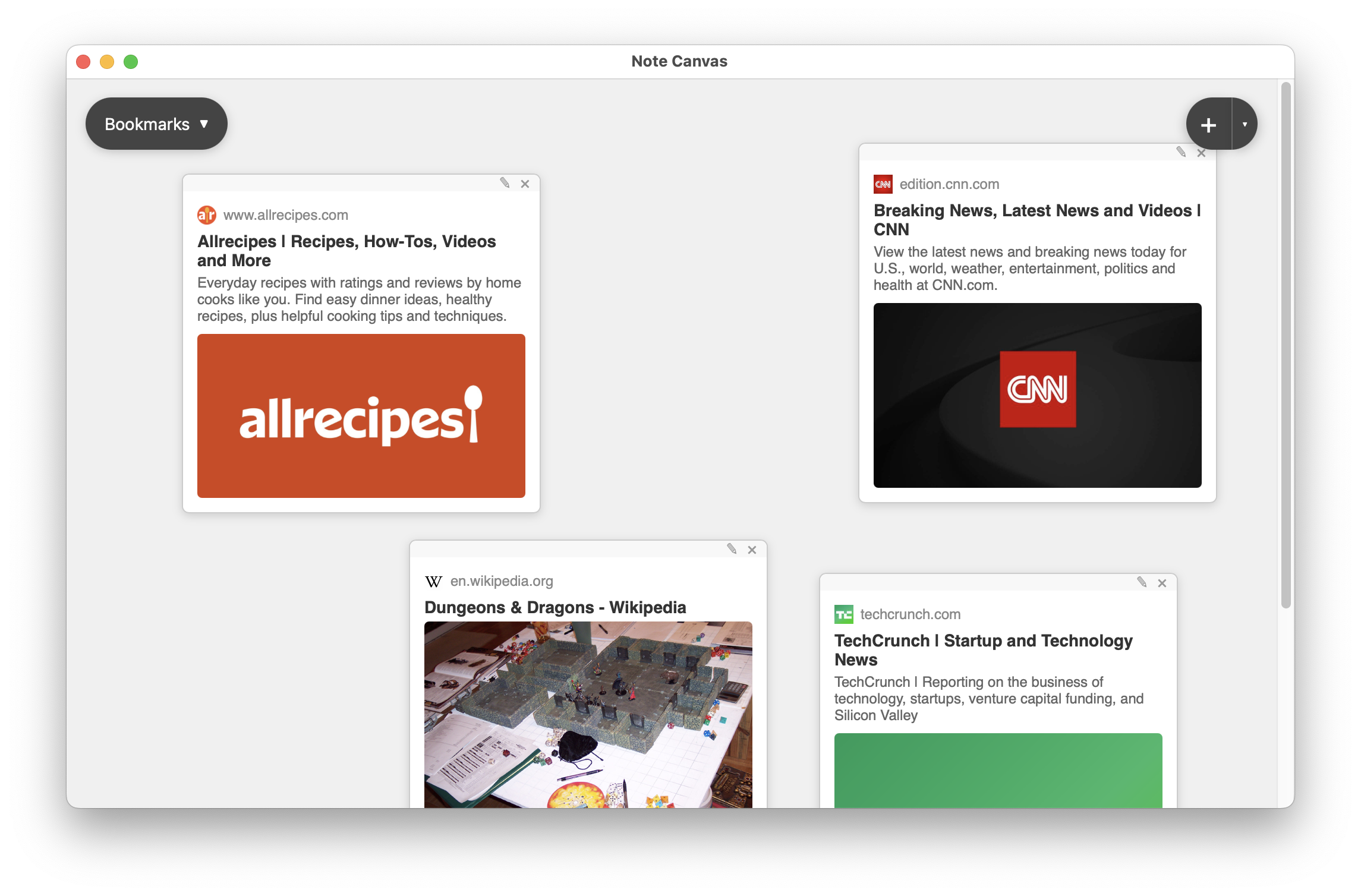
Bookmark notes are useful when a diagram grows out of documentation, articles, or saved pages.
Compare with bookmark notes
Regular notes hold the detailed reasoning that a diagram points to but does not fully spell out.
Compare with regular notesDrawing notes make Note Canvas useful for visual reasoning, not just written collection.