Keep screenshots in context.
Pin UI captures, product examples, or snippets of inspiration right next to the notes and actions they inform.
Use image notes for screenshots, photos, moodboard fragments, UI references, and anything that makes more sense as a picture than a paragraph. They stay resizable on the canvas, so visual material can live beside the text, checklist, bookmark, or drawing that explains why it matters.
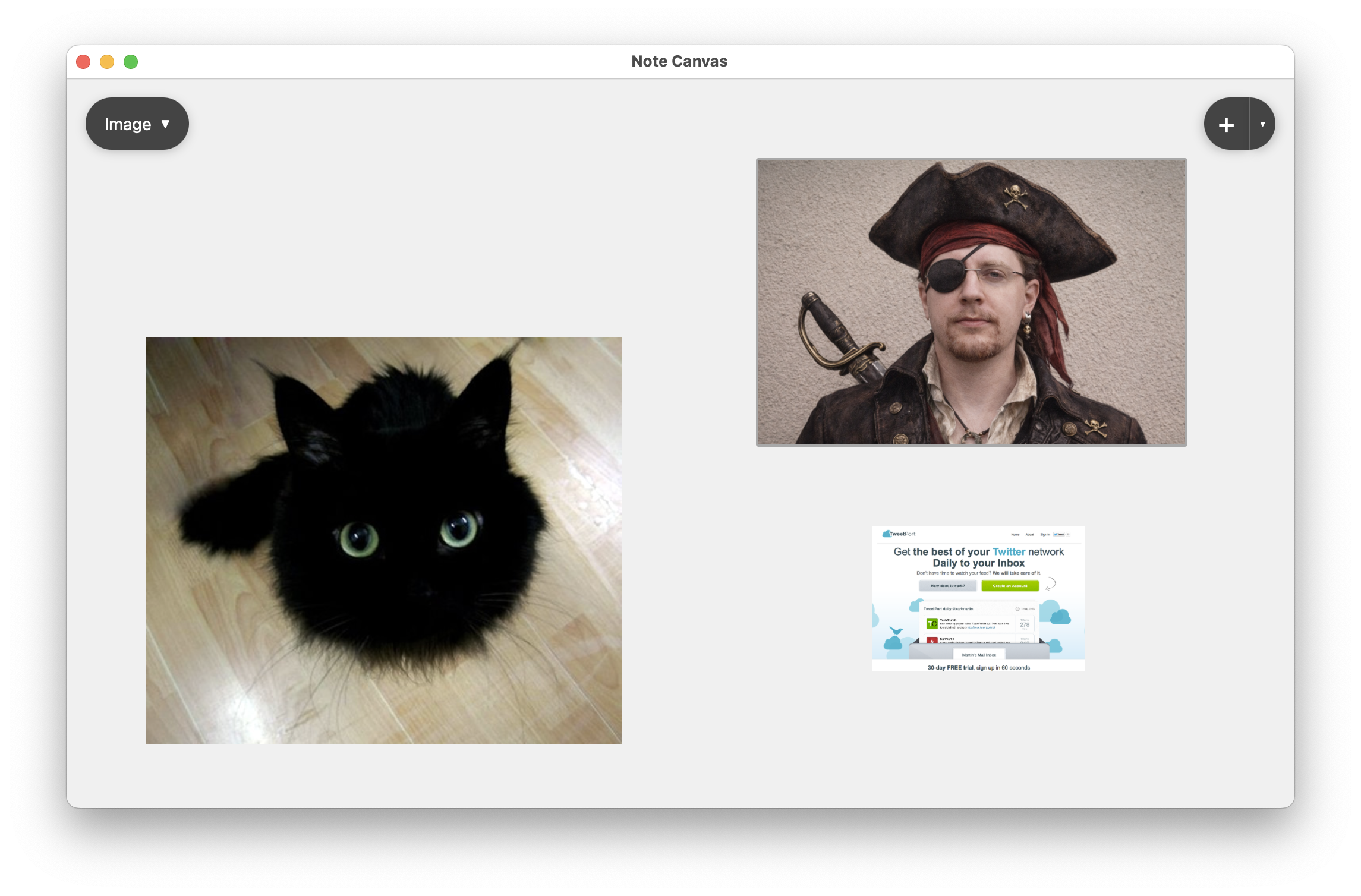
Image notes let the board hold raw visual context directly. That is useful when the picture is not just decoration, but part of the thing you are thinking about.
Screenshots, photos, scanned scraps, inspiration images, and captured examples.
Make images larger for focus or smaller for context while keeping them readable on the board.
Keep source links nearby or sketch over related ideas in a drawing note when the image needs interpretation.
Keeping images inside the workspace removes a common split: text in one place, visual reference in another. Image notes close that gap.
Pin UI captures, product examples, or snippets of inspiration right next to the notes and actions they inform.
The board stays flexible because image notes scale visually while preserving the material you actually need to see.
Use image notes as the visual layer beside writing, saved links, checklists, and sketches instead of bouncing between tools.
They work especially well in boards where you are collecting evidence, inspiration, or visual patterns.
Gather screenshots, examples, and fragments of visual direction in the same place as your written decisions.
Keep photos or captured examples beside summaries and bookmark notes so the reference material stays legible.
Use image notes for anything from travel ideas to pet photos if the workspace is serving as a visual scrapbook.
A board becomes more useful when a quick look can rehydrate your memory. Image notes help with that because visual cues are often faster to recognize than text labels.
Files are good for storage. Image notes are good for active work, where placement, scale, and proximity to other notes are part of how you understand the material.
These note types help when an image needs a source, explanation, or sketch layer.
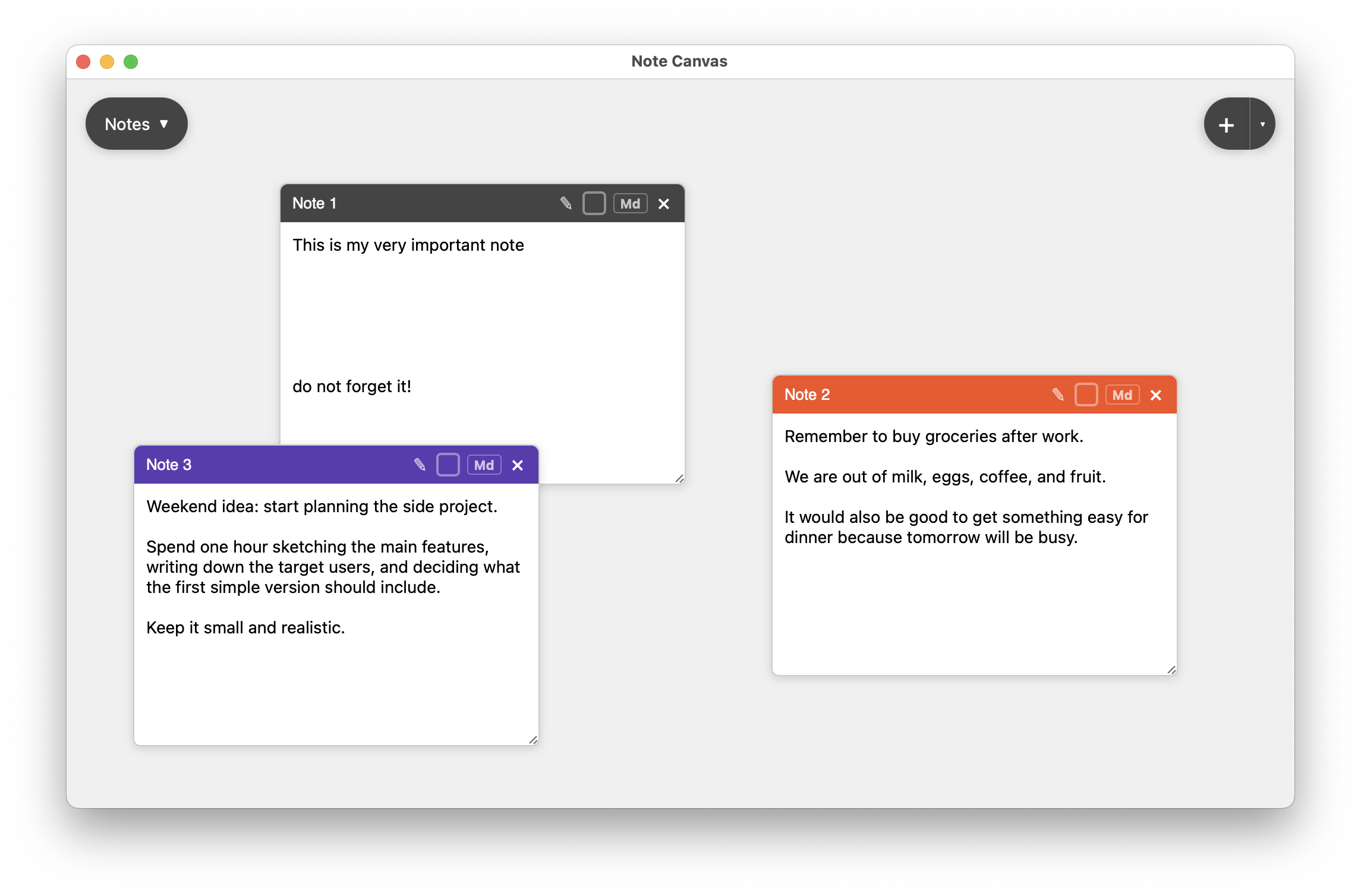
Use regular notes to capture interpretation, decisions, or commentary that belongs next to the image.
Compare with regular notes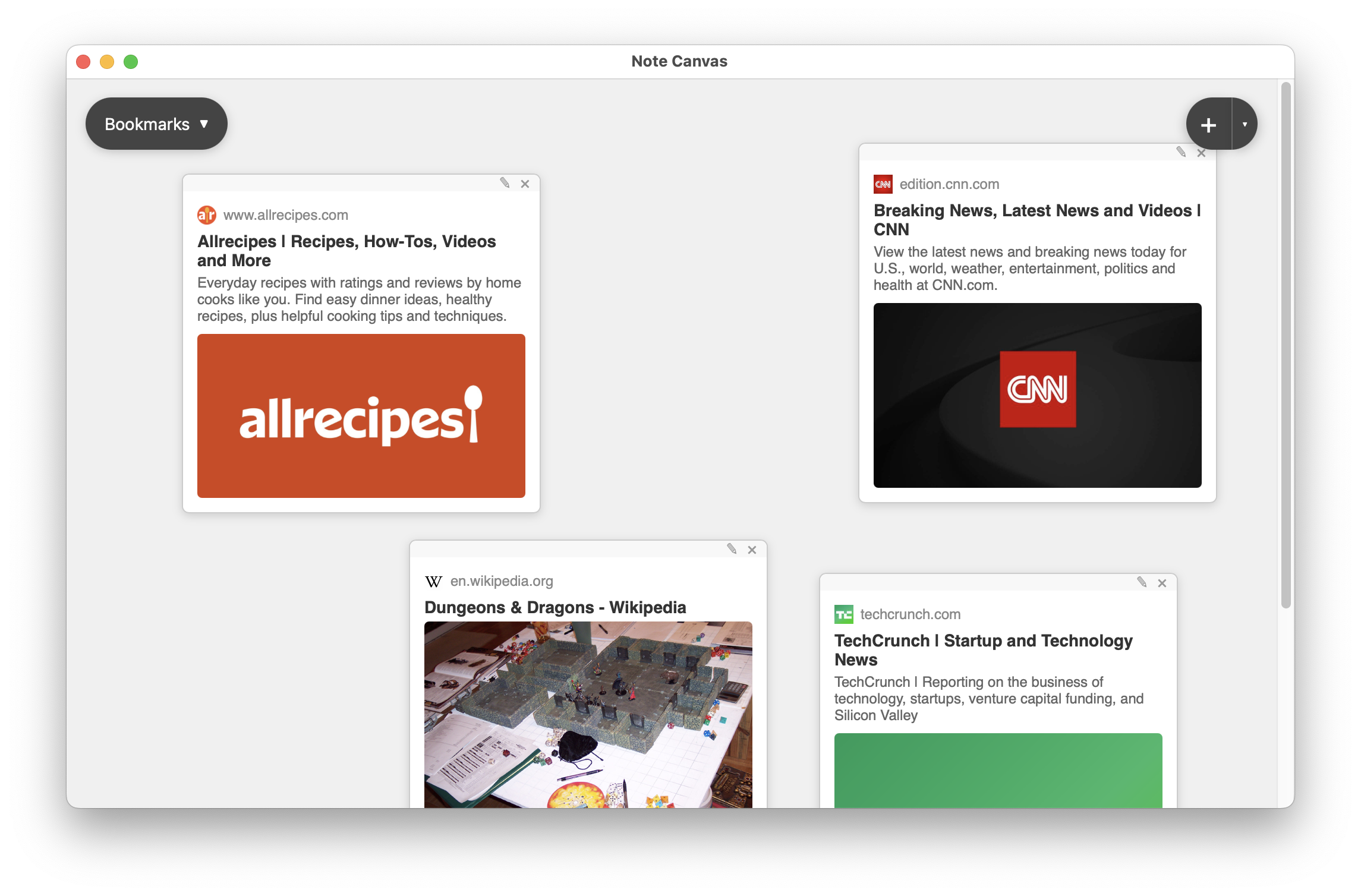
Bookmark notes are useful when the image came from a page you may want to reopen later.
Compare with bookmark notes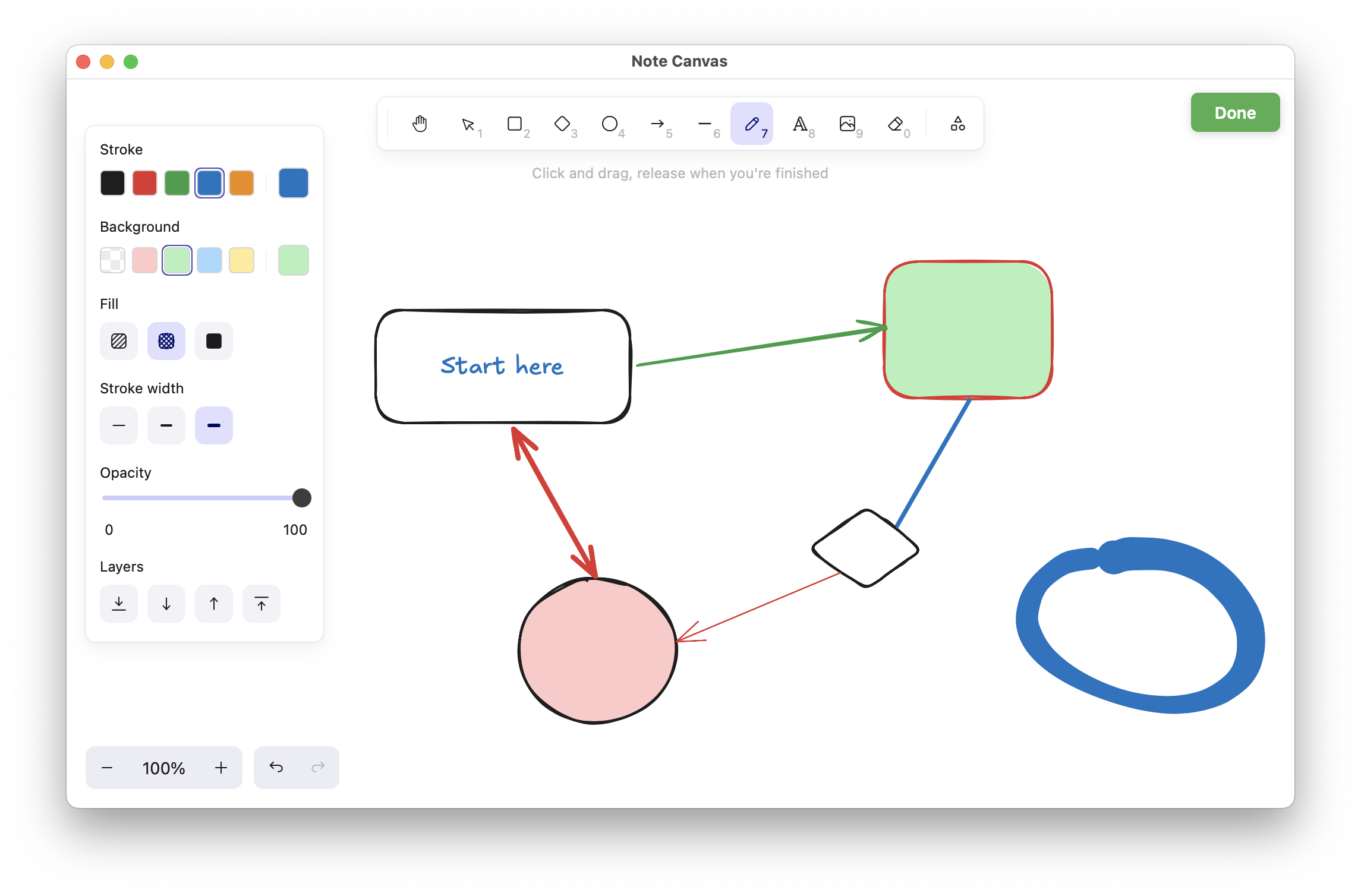
Drawing notes help when the reference material is only the start and you need to diagram a response to it.
Compare with drawing notesImage notes make the board feel like a real workspace instead of a text-only holding area.